Admin UI
Use the agentgateway Admin UI to view and manage your standalone proxy configuration in real time.
About
The agentgateway Admin UI is a built-in web interface that runs alongside the proxy on port 15000 by default. In standalone mode, the UI is fully interactive — you can inspect your current configuration and manage your proxy without restarting agentgateway.
The Admin UI is separate from the Web UI integrations, which are third-party AI chat frontends (such as Open WebUI or LibreChat) that you connect to agentgateway as a backend. The Admin UI is the management interface for agentgateway itself.
Open the Admin UI
Start agentgateway with a config file.
agentgateway -f config.yamlExample output:
INFO app serving UI at http://localhost:15000/ui
Open http://localhost:15000/ui/ in your browser.
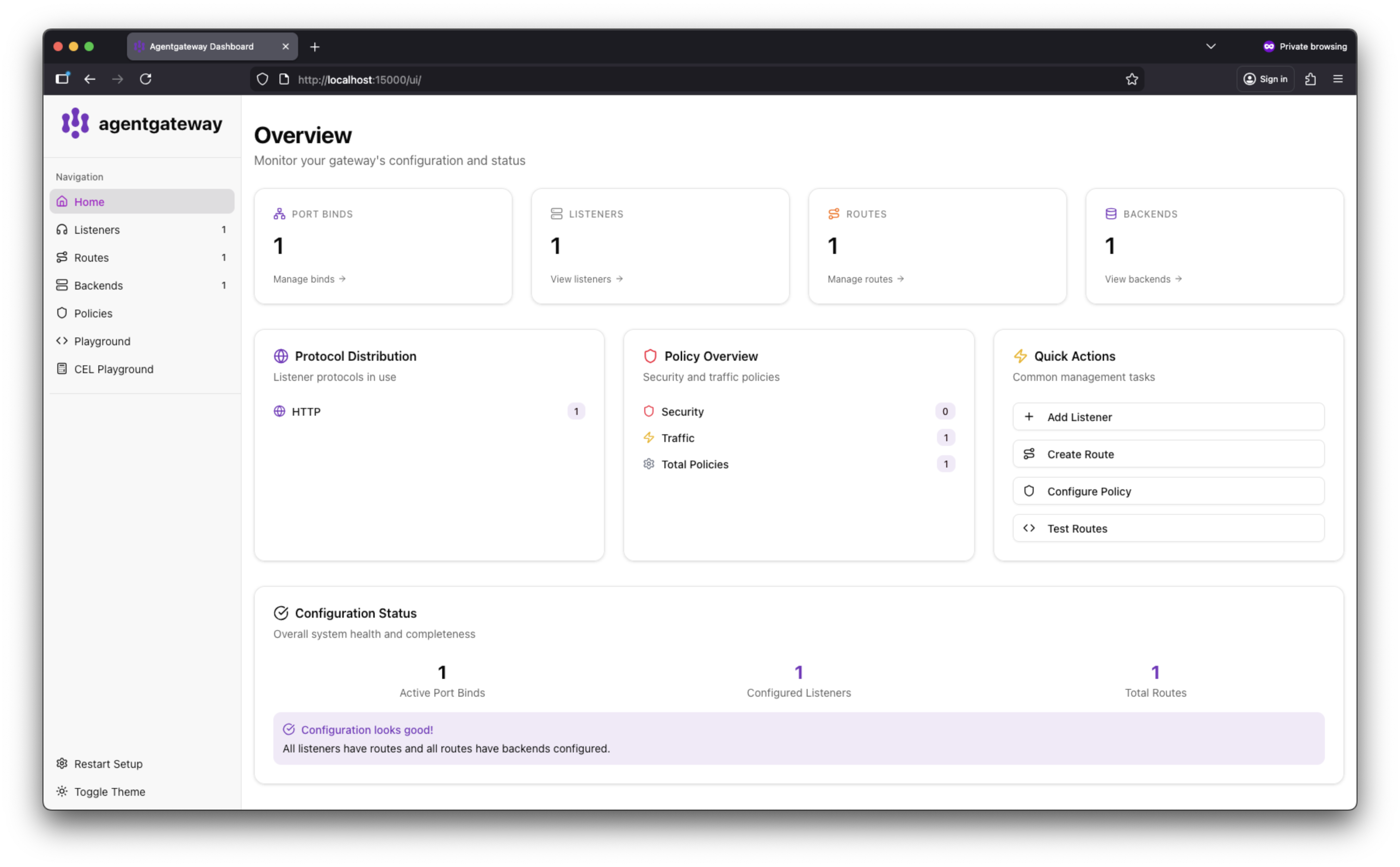
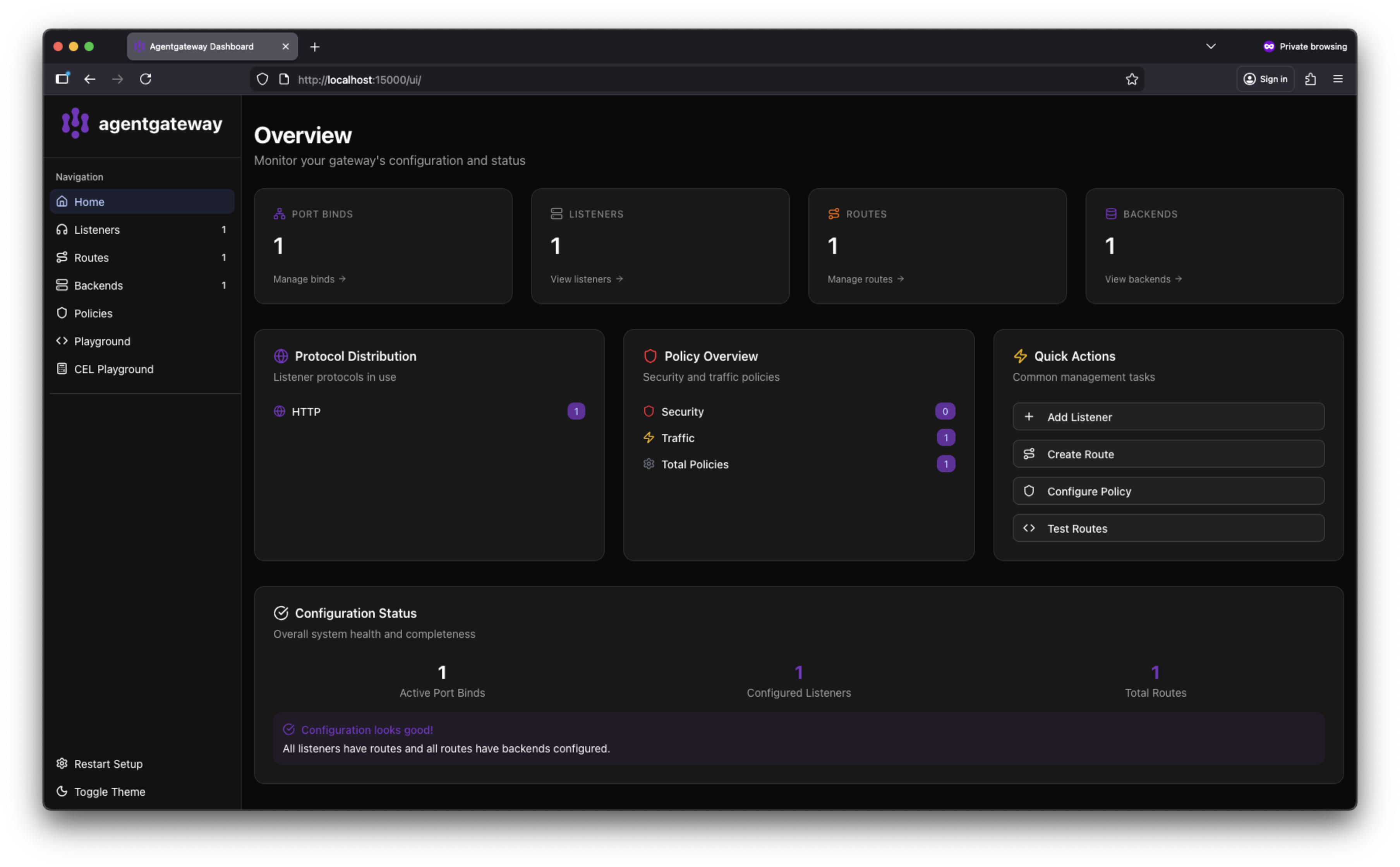
The Admin UI dashboard shows your configured listeners and port bindings.
Customize the Admin UI port
By default, the Admin UI binds to localhost:15000. To use a different address or port, set adminAddr in the config section of your config file.
Add or update the
adminAddrfield in your config file. The value must useip:portformat.# yaml-language-server: $schema=https://agentgateway.dev/schema/config config: adminAddr: localhost:9090Start agentgateway with the updated config.
agentgateway -f config.yamlExample output:
INFO app serving UI at http://localhost:9090/ui
- Open the UI at the new address. In this example, navigate to http://localhost:9090/ui/.
adminAddr, update any agentgateway admin API commands to use the new address. For example, change curl http://localhost:15000/logging to use the new port.